

Open Source Story: Contributing the /subagents Command to oh-my-opencode
Hello, I'm Dante from Quokka Labs.
Today, I want to share my experience contributing the /subagents command to the oh-my-opencode plugin—why this feature was needed, and how AI coding agents work under the hood.
📎 PR Link: github.com/code-yeongyu/oh-my-opencode/pull/710
🎬 Watch the Video: OpenCode & oh-my-opencode Introduction (YouTube)
Background: What are OpenCode and oh-my-opencode?
OpenCode
OpenCode is a terminal-based AI coding assistant. Like GitHub Copilot, AI helps you write code, but it operates in a terminal (CLI) environment.
┌─────────────────────────────────────────┐
│  $ opencode                             │
│                                         │
│  You: "Fix the bug in login.ts"         │
│                                         │
│  AI: [reads files, suggests fixes]      │
│                                         │
└─────────────────────────────────────────┘
oh-my-opencode
oh-my-opencode is a plugin that extends OpenCode with extra features:
- Multiple specialized AI agents (oracle, librarian, explore, etc.)
- Custom slash commands (
/init-deep,/refactor,/subagents) - Tool integrations (LSP, AST-Grep, etc.)
Think of it like "oh-my-zsh" for your shell—it supercharges the base tool.
Problem Recognition: Why Was /subagents Needed?

oh-my-opencode provides multiple Subagents. Each subagent is optimized for specific tasks:
| Subagent | Role |
|---|---|
| Sisyphus | Breaks complex tasks into subtasks and manages them |
| oracle | Answers questions requiring advanced reasoning |
| librarian | Codebase exploration and documentation |
| explore | New codebase analysis |
The problem was that configuring which LLM model to use for each subagent required manually editing JSON configuration files:
{
  "agents": {
    "oracle": {
      "model": "claude-opus-4-5"
    },
    "Sisyphus": {
      "model": "gpt-5.1-codex"
    }
  }
}
While not difficult for developers, there were several pain points:
- Not knowing available models - You need to know the list of available models
- Finding config file locations - Global vs project config paths differ
- JSON syntax errors - Missing a comma breaks the entire config
It would be much more convenient to change subagent models interactively through natural conversation in the terminal.
The Solution: /subagents Command
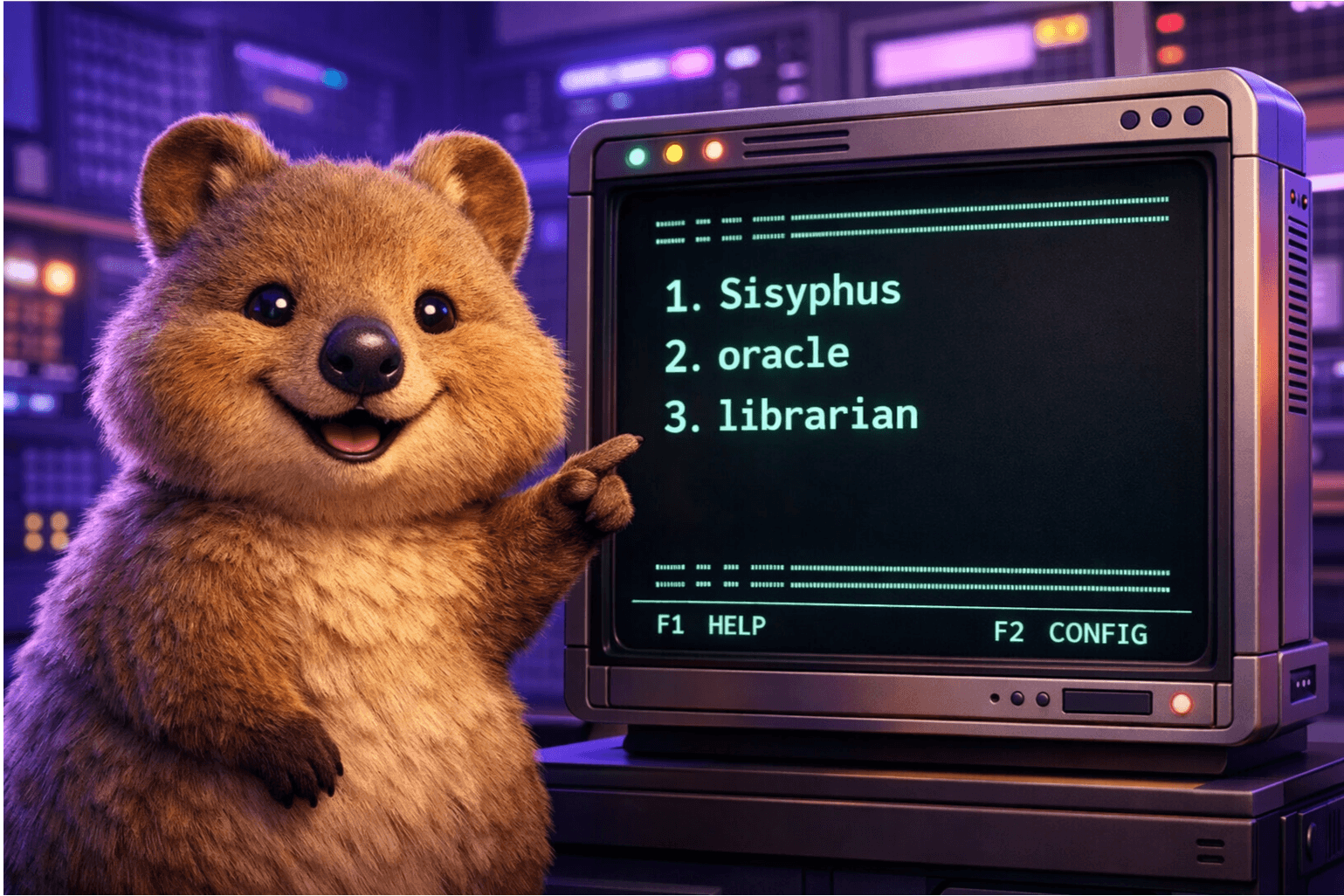
The /subagents command I contributed configures subagent models through an interactive TUI (Terminal User Interface).
User: /subagents

╭─────────────────────────────────────────────────╮
│  🤖 Subagent Configuration                      │
│                                                 │
│  Current Assignments:                           │
│  1. Sisyphus     → gpt-5.1-codex               │
│  2. oracle       → claude-opus-4-5              │
│  3. librarian    → haiku-4.5                    │
│  4. explore      → (default)                    │
│                                                 │
│  Enter number to change model (or 'q' to quit) │
╰─────────────────────────────────────────────────╯
When users enter a number, available models for that agent are displayed:
User: 2

╭─────────────────────────────────────────────────╮
│  Available models for: oracle                   │
│                                                 │
│  1. claude-opus-4-5                            │
│  2. claude-sonnet-4.5                          │
│  3. gpt-5.1-codex                              │
│  4. haiku-4.5                                  │
│                                                 │
│  Enter number to select model                   │
╰─────────────────────────────────────────────────╯
Once a model is selected, the configuration file is automatically updated.
Implementation: Template-Based Command Architecture
The Big Picture
Understanding how AI coding agent commands work makes this contribution more interesting.
┌──────────────────────────────────────────────────────────────────────┐
│                         USER TYPES: /subagents                        │
└──────────────────────────────────────────────────────────────────────┘
                                    │
                                    ▼
┌──────────────────────────────────────────────────────────────────────┐
│                     STEP 1: COMMAND LOOKUP                            │
│                                                                       │
│  OpenCode sees "/subagents" and looks in the command registry         │
│  (commands.ts) to find the matching definition.                       │
└──────────────────────────────────────────────────────────────────────┘
                                    │
                                    ▼
┌──────────────────────────────────────────────────────────────────────┐
│                     STEP 2: TEMPLATE INJECTION                        │
│                                                                       │
│  The template from subagents.ts gets injected into the AI's           │
│  "system prompt"—essentially instructions the AI must follow.         │
└──────────────────────────────────────────────────────────────────────┘
                                    │
                                    ▼
┌──────────────────────────────────────────────────────────────────────┐
│                     STEP 3: AI FOLLOWS TEMPLATE                       │
│                                                                       │
│  The AI reads the template instructions and:                          │
│  - Displays the TUI (text-based UI)                                   │
│  - Waits for user input                                               │
│  - Performs actions (read/write config files)                         │
└──────────────────────────────────────────────────────────────────────┘
File-by-File Breakdown
1. templates/subagents.ts - The Brain
This file contains instructions for the AI written in plain English. It's NOT code that runs—it's a prompt that tells the AI what to do.
export const SUBAGENTS_TEMPLATE = `You are helping the user configure...

## TWO-STEP TUI FLOW

### STEP 1: List Subagents
Display the current subagent configurations...

### STEP 2: Model Selection
When user enters a number, show available models...
`- AI (GPT, Claude, etc.) understands natural language
- We're essentially "programming" the AI's behavior through instructions
- This is called "prompt engineering"
| Section | What it tells the AI |
|---|---|
## CONTEXT | Background info about subagents |
## STEP 0 | "First, discover what models the user has" |
## STEP 1 | "Show this numbered list format" |
## STEP 2 | "When user picks a number, show models" |
## CRITICAL RULES | "Wait for input, don't auto-proceed" |
2. commands.ts - The Registry
This file registers all available commands so OpenCode knows they exist.
const BUILTIN_COMMAND_DEFINITIONS = {
  // Other commands...

  subagents: {
    description: "(builtin) Configure subagent-model assignments via interactive TUI",
    template: `<command-instruction>
${SUBAGENTS_TEMPLATE}    // ← Injects the template here
</command-instruction>

<user-request>
$ARGUMENTS              // ← Replaced with what user typed after /subagents
</user-request>`,
  },
}
3. types.ts - TypeScript Safety
export type BuiltinCommandName =
  | "init-deep"
  | "ralph-loop"
  | "subagents"   // ← Added
TypeScript checks that only valid command names are used at compile time.
4. config/schema.ts - Runtime Validation
export const BuiltinCommandNameSchema = z.enum([
  "init-deep",
  "start-work",
  "subagents",   // ← Added
])
Validates user configuration files at runtime.
Key Insight: Programming AI with Natural Language
The most fascinating aspect of this contribution was the concept of "programming AI with natural language."
Traditional Code vs Template-Based
Traditional Code:           Template-Based:
─────────────────           ───────────────
if (input === "2") {        "When user enters a number,
  showModels(2);             show available models for
}                            that subagent"
AI as the Executor
The AI isn't just answering questions—it's executing a program defined by the template:
┌─────────────────────────────────────────────────────────────────────────┐
│ USER                          OPENCODE                        AI        │
├─────────────────────────────────────────────────────────────────────────┤
│                                                                         │
│  Types: /subagents                                                      │
│         ───────────►                                                    │
│                          Looks up "subagents"                           │
│                          in commands.ts                                 │
│                                 │                                       │
│                                 ▼                                       │
│                          Finds template                                 │
│                          Injects into prompt                            │
│                                 │                                       │
│                                 ▼                                       │
│                          Sends to AI ────────►  Receives template       │
│                                                                         │
│                                                 Reads instructions      │
│                                                 "Step 0: Discover       │
│                                                  available models"      │
│                                                        │                │
│                                                        ▼                │
│                                                 Reads config files:     │
│                                                 - opencode.yaml         │
│                                                 - oh-my-opencode.json   │
│                                                        │                │
│                                                        ▼                │
│  Sees TUI:               ◄──────────────────── Displays Step 1:         │
│  ╭─────────────────────╮                       "Current subagents..."   │
│  │ 🤖 Subagent Config  │                                                │
│  │ 1. Sisyphus         │                                                │
│  │ 2. oracle           │                                                │
│  ╰─────────────────────╯                                                │
│                                                                         │
│  Types: 2                                                               │
│         ───────────────────────────────────►  Sees "2"                  │
│                                               Follows Step 2:           │
│                                               "Show models for #2"      │
│                                                        │                │
│                                                        ▼                │
│  Sees model list:        ◄──────────────────── Displays models          │
│  ╭─────────────────────╮                                                │
│  │ Models for: oracle  │                                                │
│  │ 1. claude-opus-4-5  │                                                │
│  │ 2. gpt-5.1          │                                                │
│  ╰─────────────────────╯                                                │
│                                                                         │
│  Types: 1                                                               │
│         ───────────────────────────────────►  Sees "1"                  │
│                                               Follows Step 3:           │
│                                               "Update config file"      │
│                                                        │                │
│                                                        ▼                │
│                                               Writes to:                │
│                                               oh-my-opencode.json       │
│                                                        │                │
│  Sees toast:             ◄──────────────────── Shows success            │
│  ╭─────────────────────╮                                                │
│  │ ✅ oracle updated!  │                                                │
│  ╰─────────────────────╯                                                │
│                                                                         │
└─────────────────────────────────────────────────────────────────────────┘
The Value of Open Source Contribution

What I Gained as a Developer
- Deep Understanding of Prompt Engineering - A new paradigm for programming AI
- Real Production Code Experience - Contributing to tools used by many
- Learning Through Code Reviews - Growing through maintainer feedback
Why Quokka Labs Contributes to Open Source
At Quokka Labs, we believe in contributing to the tech ecosystem, not just providing services.
- Proving Capabilities: Demonstrating real implementation skills that blog posts alone can't show
- Leading with Latest Tech: Developing at the forefront of AI coding tools
- Growing with the Community: Not just using, but giving back
Conclusion
The /subagents command may be a small feature, but understanding the template-based architecture of AI agents and actually contributing was a deeply meaningful experience.
If you're interested in open source contribution, projects like oh-my-opencode can be a great starting point. Even without writing code, improving prompt templates is a valuable contribution.
Related Links:- 🔗 /subagents PR #710 - The actual PR discussed in this post
- 🎬 OpenCode & oh-my-opencode Introduction (YouTube)
- oh-my-opencode GitHub
- OpenCode Official Site
Summary
| Component | Role |
|---|---|
Template (subagents.ts) | Instructions for AI - "here's what to do" |
Registry (commands.ts) | Maps /subagents → template |
Types (types.ts) | TypeScript compile-time safety |
Schema (schema.ts) | Runtime config validation |
| AI | Executes the template instructions |
| Config files | Store user's model preferences |
The magic is that we're programming the AI with natural language, and the AI handles all the complex parts (file I/O, JSON parsing, user interaction).